

Online Student Ticket Prices
How to Access Your Student Ticket Prices Online
Visit our ticketing website: https://baylortheatre.evenue.net/

On mobile:

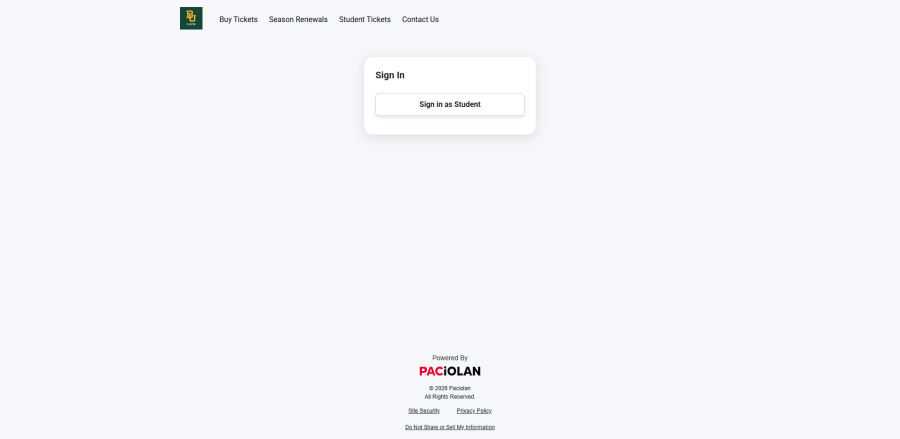
Select 'Student Tickets' from the top menu.

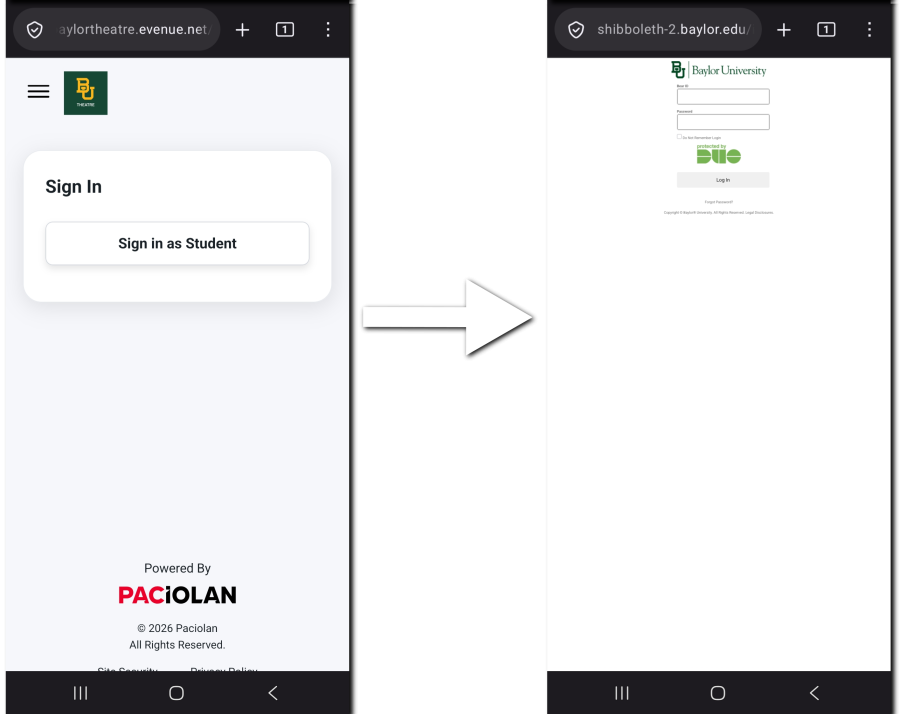
On mobile, select the three line menu icon and then select 'Student Tickets'.

Select 'Sign in as Student'.
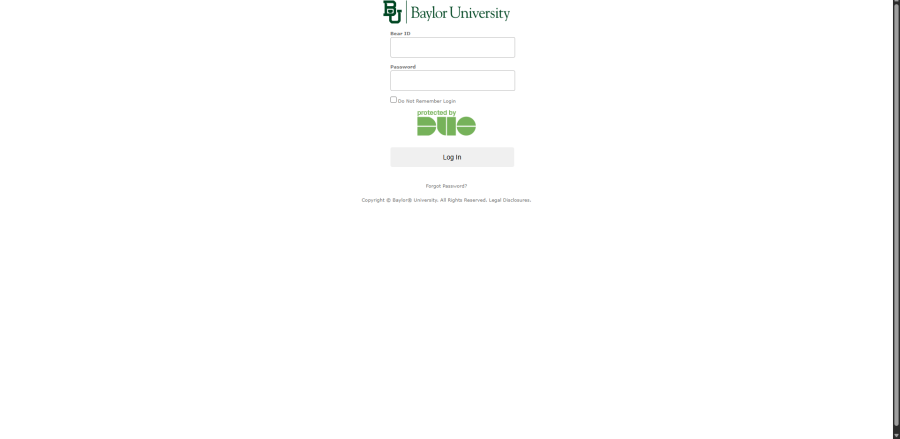
Then log in to your Baylor account.
On mobile:
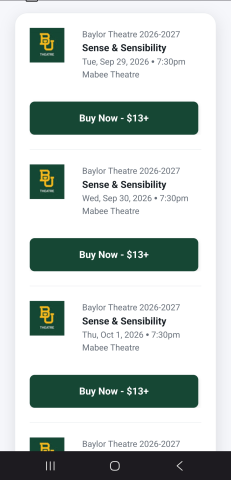
Once you've logged in, select the production you wish to see and the performance you wish to attend.

On mobile:
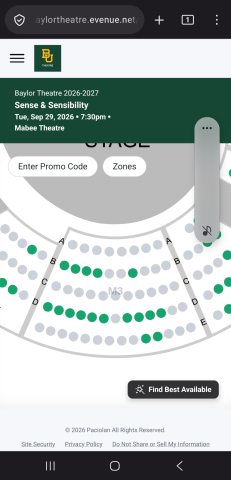
After you've selected the performance, choose your desired seats from out seat map. Seats marked green are available while seats marked gray are unavailable.

On mobile:
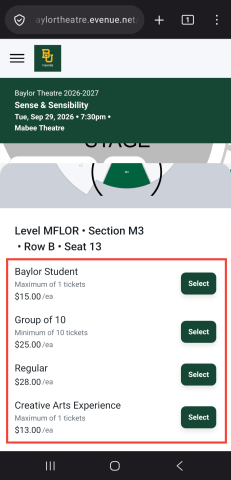
Once you've selected your seat, select your available student ticket prices.

On mobile:
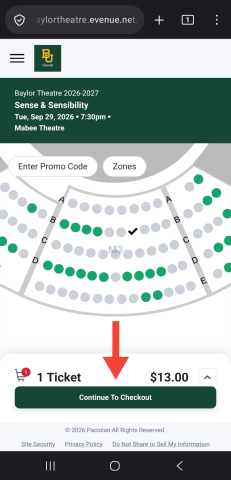
After you've selected the appropriate prices for your tickets, select "Continue To Checkout".

On mobile:
- Follow the onscreen instructions to finalize the purchase of your tickets. You will receive an email confirmation with your order details and if you selected mobile ticket delivery, you will receive a separate email with links to download your tickets to your digital wallet of choice.
- Present your digital tickets to the ushers on the night of the performance or pick up your tickets at the Will Call desk across from the Box Office.
You may also call or visit us at the Theatre Box Office to claim your student tickets. We look forward to seeing you at the theatre!